Short answer
Get Rufus from its official site or GitHub release, or paste the winget command from the Copy box. The download is a single executable with no setup wizard. Before running it, compare its SHA-256 hash with the value on this page and check that the digital signature names Akeo Consulting, the publisher of every official build.
How do you download and check Rufus?
- Pick the file. Choose the standard x64 file for most PCs, the ARM64 file for a Windows on Arm PC, or the x86 file for 32-bit Windows.
- Download it. Save the file from the official site or GitHub release, or install it with the winget command.
- Check the hash. In PowerShell, run Get-FileHash on the file and compare the SHA-256 value with the one in the file table.
- Check the signer. Right-click the file, open Properties, then Digital Signatures, and confirm the signer is Akeo Consulting.
- Open it. Double-click the file and accept the administrator prompt; the main window opens without an installer.
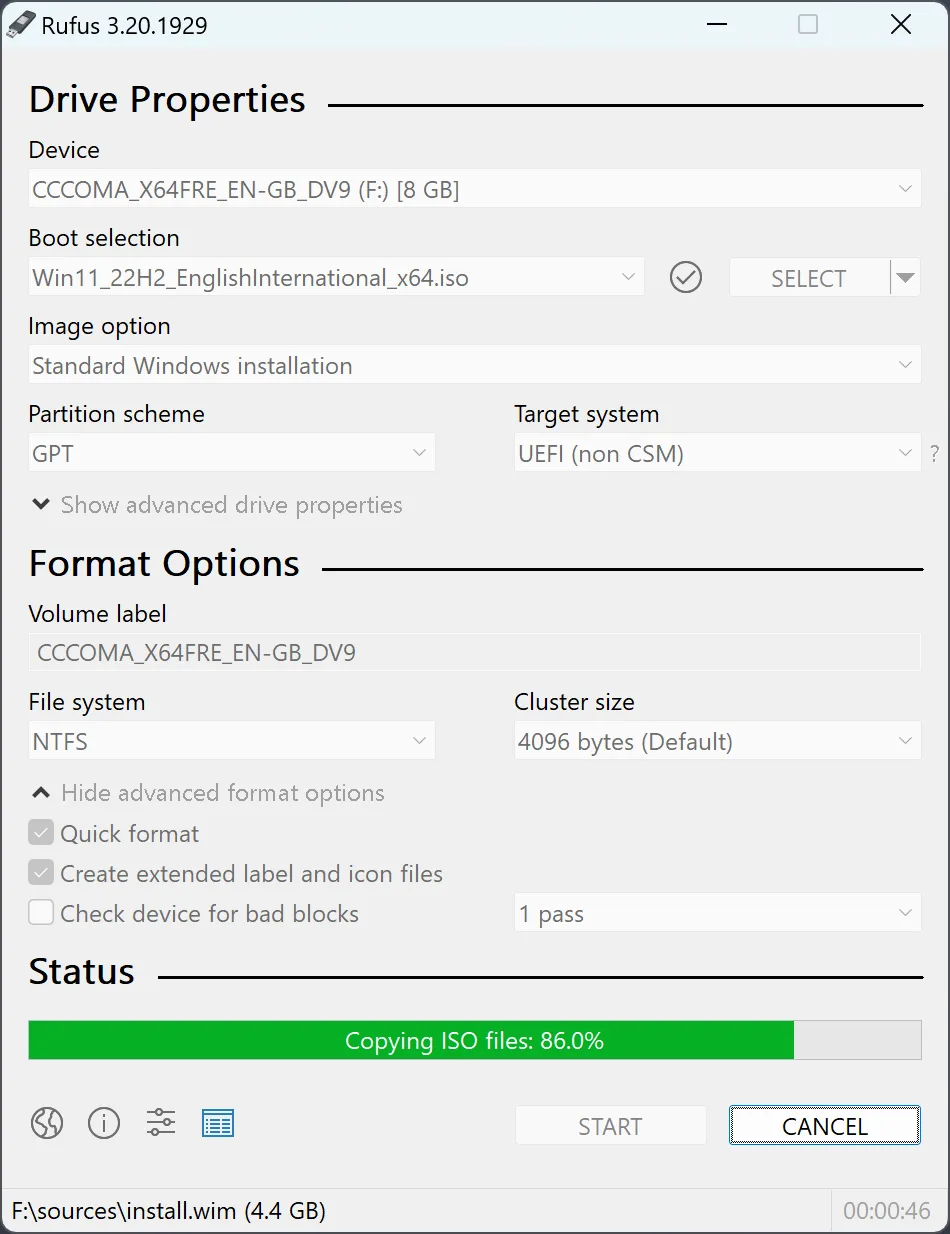
Which files are on the current release?
The current release has four Windows executables, and the table below lists each with its size and the SHA-256 digest GitHub publishes for it. The file names come from the official GitHub release. The standard and portable x64 files have the same digest because they are the same program; the file choice guide explains what the name changes. The .sig files on the release are detached signatures for the program’s own update check; you do not need them.
| File | Size | SHA-256 |
|---|---|---|
Windows x64 standard executablerufus-4.15.exe | 1.9 MB | 84c8a437f8af89257524478489e5c85f1edf25f761d299e2bcde46ac0afbe106 |
Portable x64 executablerufus-4.15p.exe | 1.9 MB | 84c8a437f8af89257524478489e5c85f1edf25f761d299e2bcde46ac0afbe106 |
ARM64 executablerufus-4.15_arm64.exe | 5.2 MB | af01a2136db7391eb8a52de7001fd231f0731cd27e042318dc2743d87fa35c1c |
x86 executablerufus-4.15_x86.exe | 1.8 MB | 20e1345715aff4aebf016839f721390882201a2b5d00655424c4ca38cb919576 |
How do you check the SHA-256 hash?
A hash check confirms that the file you saved is byte-for-byte the file on the official release. Open PowerShell in your Downloads folder and run:
Get-FileHash .\rufus-*.exe -Algorithm SHA256Compare the full value with the table above. For release 4.15, the Microsoft winget manifest lists the same SHA-256 values for the x64, x86 and ARM64 files, so winget refuses a file that does not match. A different value means a different file: delete it and download again from an official channel.
How does the winget package differ?
The winget package is a portable package, not an installer. winget downloads the standard executable for your PC’s architecture and adds a command alias, so you start it by typing rufus in a new Terminal window rather than from the Start menu. The Copy box on this page has the full install command, and the channels table has the upgrade command.
What does the program do online?
It connects only when you allow it. On first launch it asks whether it may check for updates online. If you agree, it checks at most once a day by default (net.c), and only while the program is open, because it installs no background service (update policy text). The optional ISO download feature connects only when you use it.
How do you remove it later?
Removing the program takes one step because nothing was installed. If you saved the file yourself, delete it. If you used winget, run winget uninstall -e --id Rufus.Rufus to remove the portable package it saved; adding --purge also deletes every file in that package folder. The only other trace is the settings store: the standard file keeps your language and update choice in the current user’s Akeo Consulting registry key (registry.h), and a portable copy keeps them in an ini file beside the executable. Press Alt+R in the main window before you delete the file to clear the registry entries it created (source); for a portable copy, delete the ini file with the folder.
| Channel | What you get | How updates arrive |
|---|---|---|
| Official site download table | Standard, portable, ARM64 and x86 executables | Built-in update check, once a day if you allow it |
| GitHub Releases | The same files, with GitHub's SHA-256 digest per file | Same built-in update check |
| winget package | The standard file for your architecture, as a portable package with a command alias | winget upgrade Rufus.Rufus |
| Microsoft Store (publisher Akeo Consulting) | The Store build of the same program | Microsoft Store updates |
Frequently asked questions
Does Rufus need to be installed?
No. The official site says the application is ready to use once downloaded. The winget package is portable too: it saves the executable and adds a command alias instead of running a setup wizard.
Which file fits my Windows PC?
Match the PC that runs the program, not the ISO. Most PCs need the standard x64 file. Windows on Arm PCs need the ARM64 file, and 32-bit Windows needs the x86 file. The file choice guide explains the portable option.
Who signs the genuine file?
The official download page says the executable is digitally signed and the signature should state Akeo Consulting. The program itself accepts Akeo Consulting, Akeo Systems or Pete Batard as signer names when it checks its own updates.